
# Backend translations
Server administrators can select a server-wide language for the BTCPay Server interface. This affects the backend and shared account pages, including sign-in pages. Checkout language settings are separate.
Translations use English as their ultimate fallback. Not every interface string is translatable, and new releases can introduce untranslated text.
Open Server Settings > Translations to manage the installed and available languages. This page requires server-administrator permission.
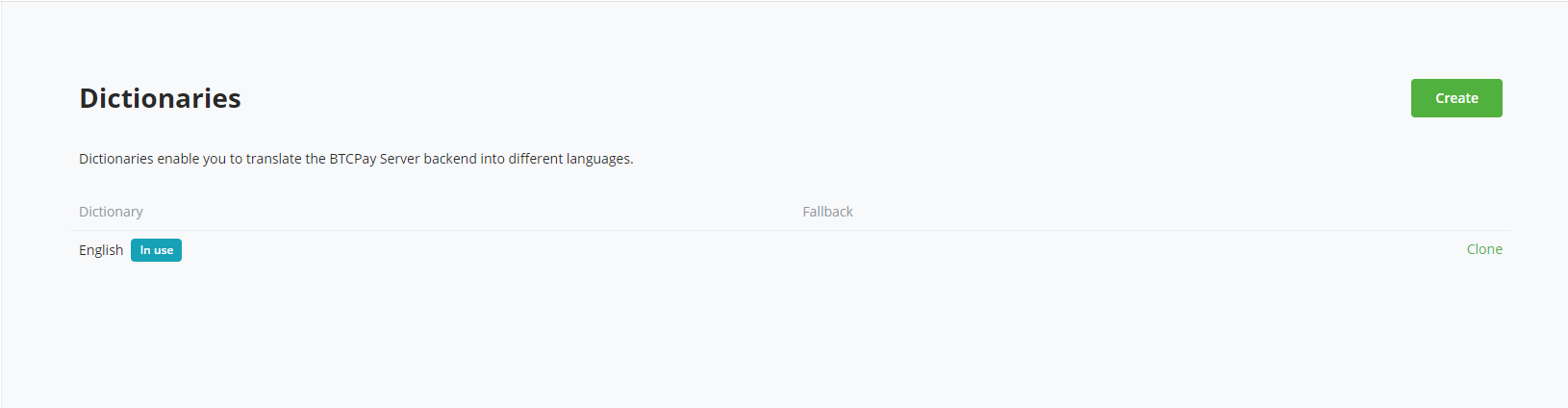
Earlier releases called translations Dictionaries. The screenshots below retain that older label and layout; use the current Translations labels and actions described in the text.
# Language packs
Community language packs provide maintained translations without requiring a server administrator to translate every string.
- Find the language under Available to install and select Install.
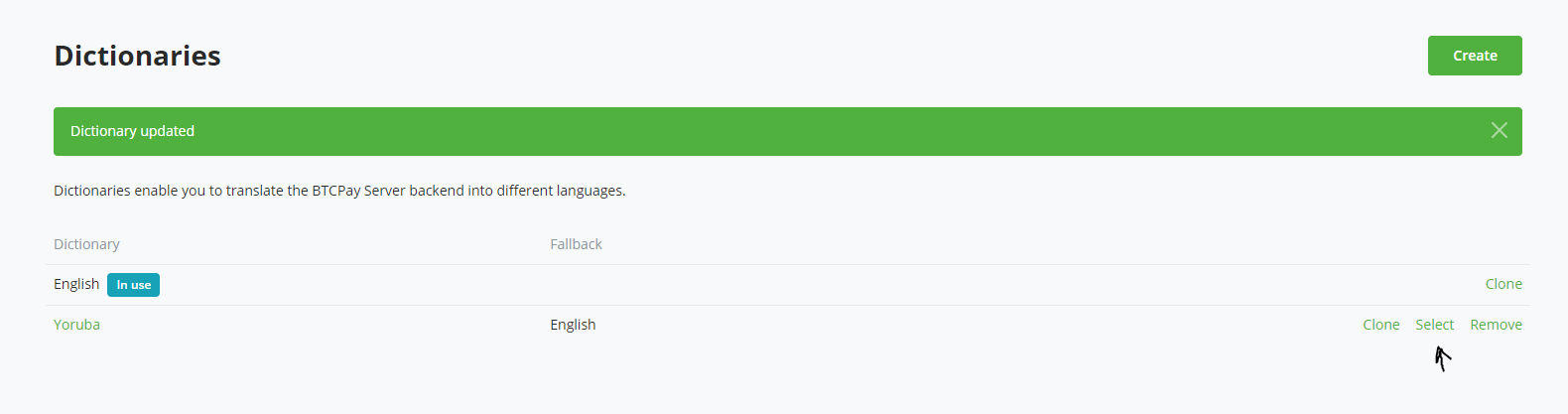
- After installation, find it under Installed languages and select Select.
- Confirm that the language has the In use badge and review important pages for accuracy.
Selecting a language applies it immediately across the server interface. The same selection is available as Backend's language under Server Settings > Policies.
BTCPay Server fetches the language-pack manifest and files from the
btcpayserver-translator (opens new window)
repository. The server needs outbound HTTPS access to
raw.githubusercontent.com to discover, install, and update packs. If that
service is unavailable, the page shows installed languages but cannot list the
available packs.
# Translating BTCPay Server
Create a custom translation when a community pack is unavailable or when the server needs local wording:
- Select Create.
- Enter a name and choose an installed fallback language.
- Select Create, then edit the translation JSON.
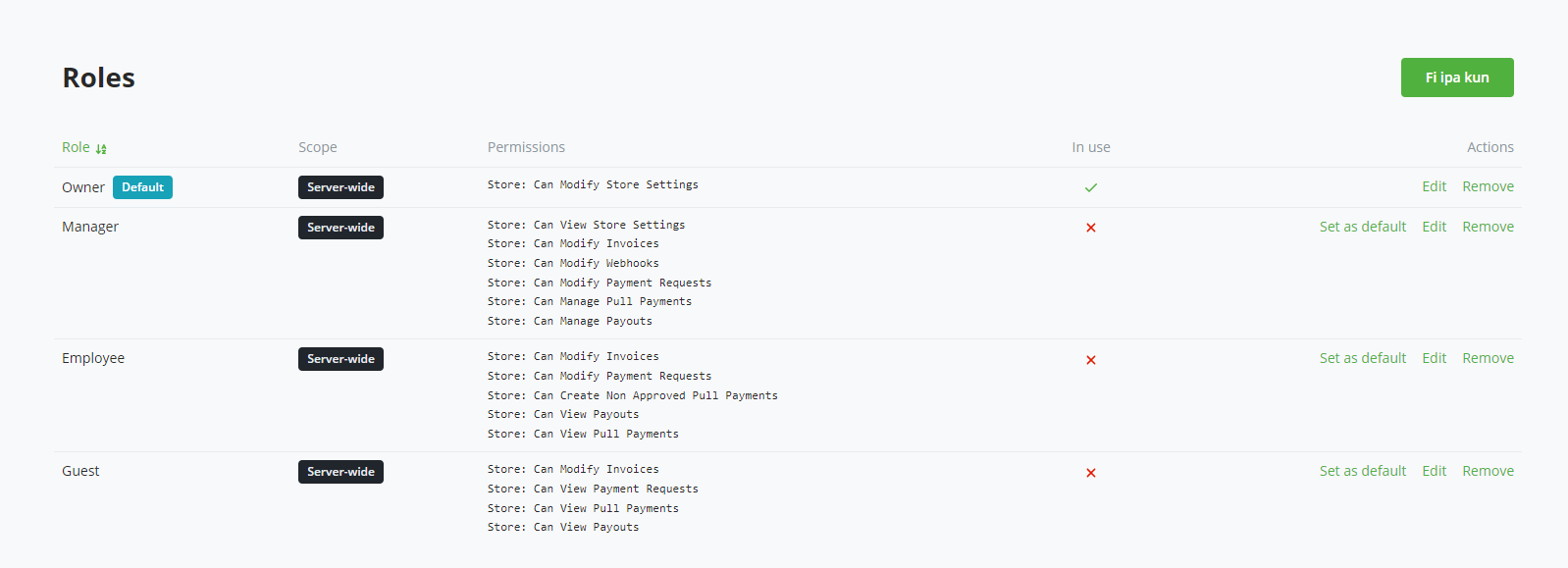
- Save the translation and select it from the installed-language list.
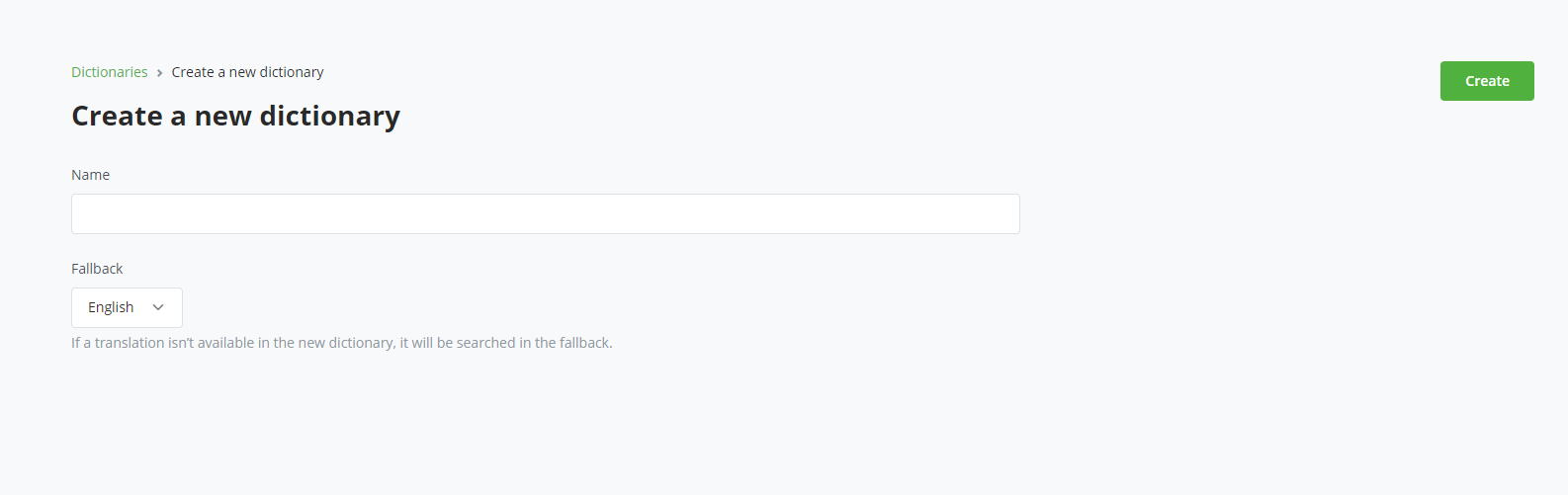
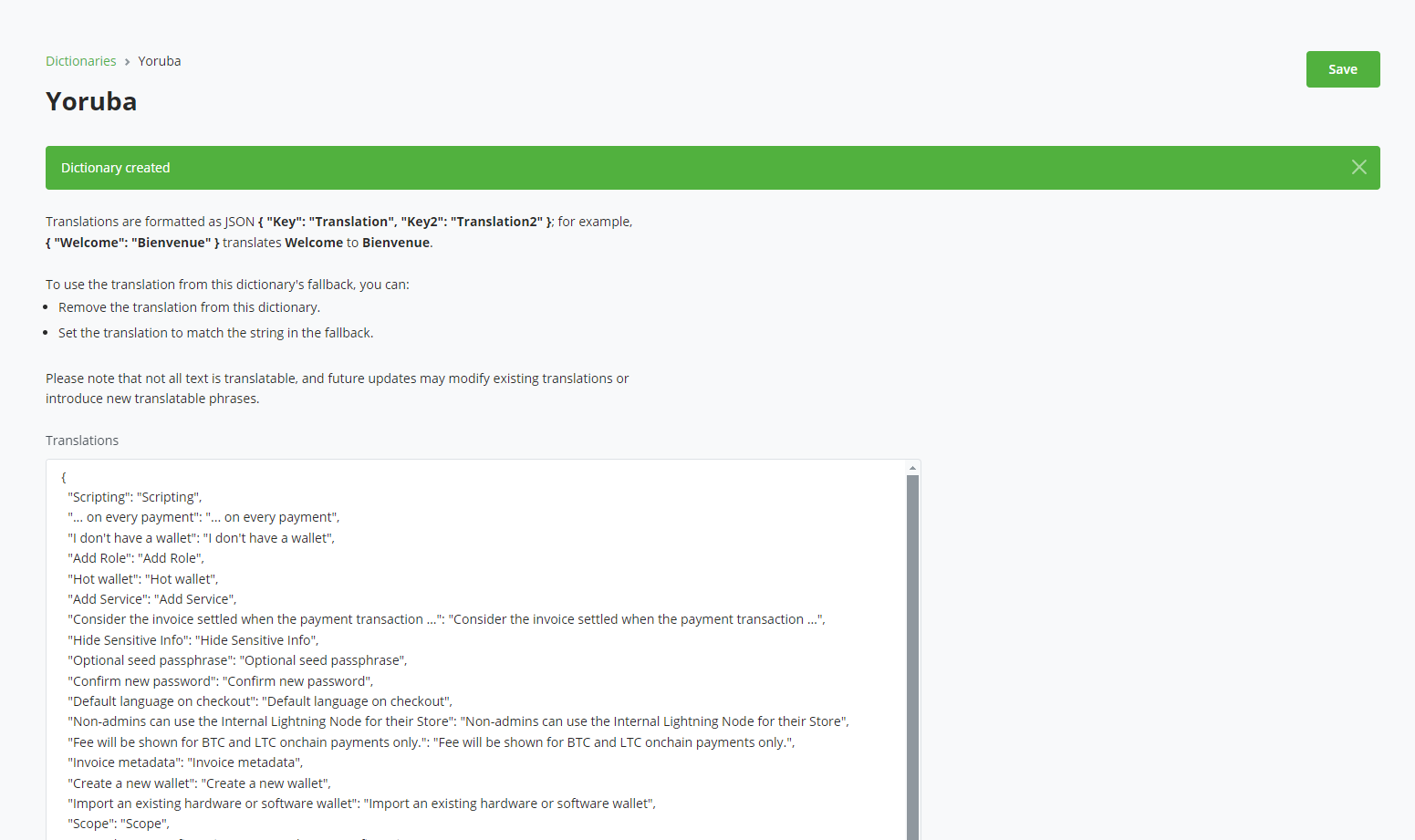
To customize a community pack, create a custom translation and choose that pack as its fallback. Installed community packs cannot be edited directly. This keeps local overrides separate while allowing non-overridden strings to receive upstream updates.
The editor stores source strings as keys and translated strings as values:
{
  "Add Role": "Translated text"
}
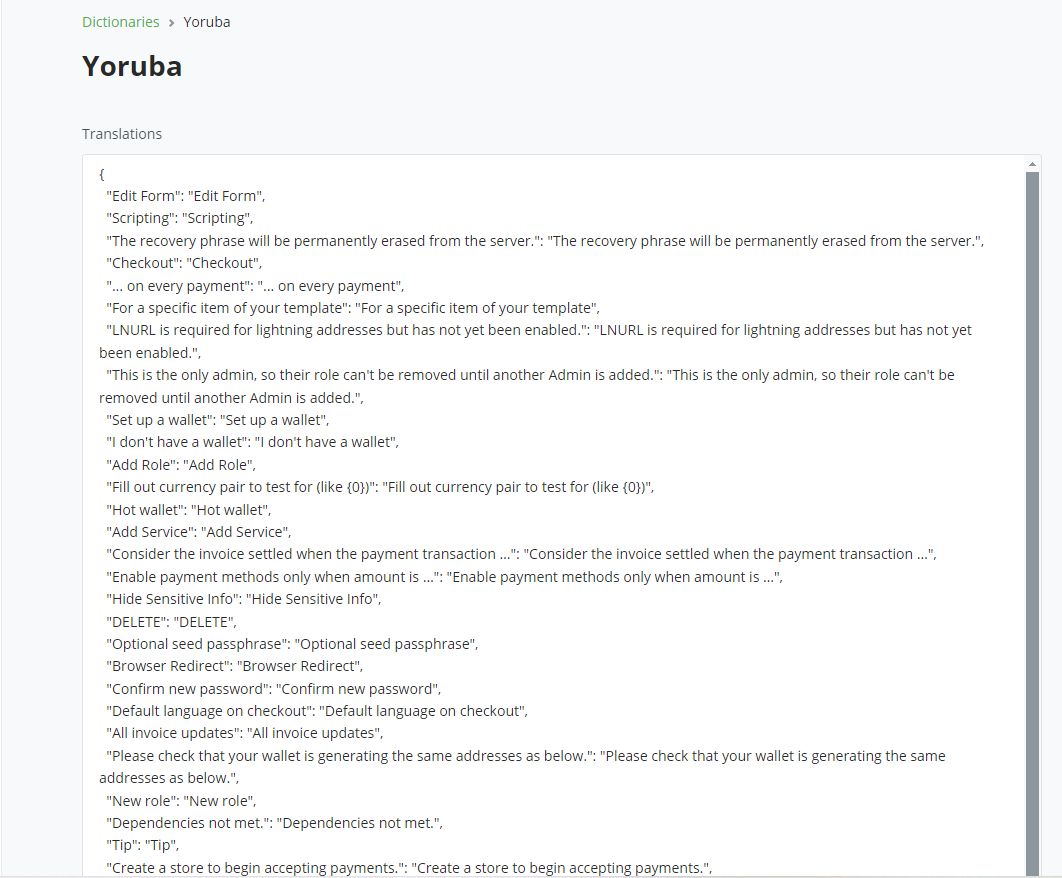
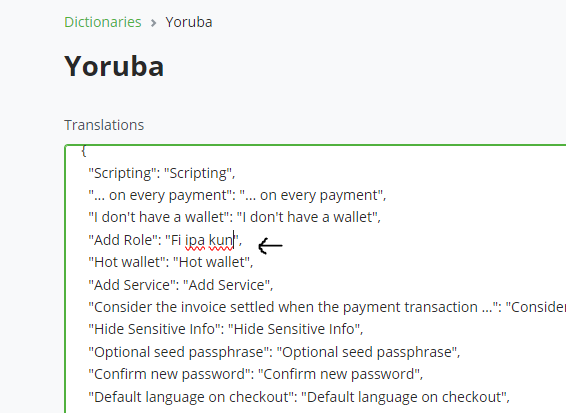
Preserve placeholders such as {0} and {1}, intentional HTML, and valid JSON
escaping. Invalid JSON produces a syntax error. Removing an override, or making
it equal to its fallback value, causes that string to inherit from the fallback
translation.
# Updating and removing translations
An Update action appears when an installed community pack has changed upstream. Review important workflows after updating because wording and available source strings can change between releases.
You cannot uninstall the active translation or a translation used as another translation's fallback. Select another backend language or remove the dependent custom translation first.
# Tips for effective translations
- Keep terminology consistent across related pages and actions.
- Review placeholders and markup in context instead of translating only the surrounding words.
- Test sign-in, navigation, store administration, and server administration after a substantial change.
- Review custom translations after BTCPay Server updates because new interface strings can fall back to English.
- Contribute generally useful work to
btcpayserver-translator(opens new window) so other operators can install it as a community pack.