
# (2) Create a store
# Creating a Store in BTCPay Server
After registering your account, the next step is to create a store. BTCPay Server allows you to create an unlimited number of stores. Each store needs to be connected to a wallet, can have apps (Point of Sale, Payment Buttons and Crowdfunding) attached to it, or be paired with external e-commerce software through one of many available integrations.
# Creating Your First Store
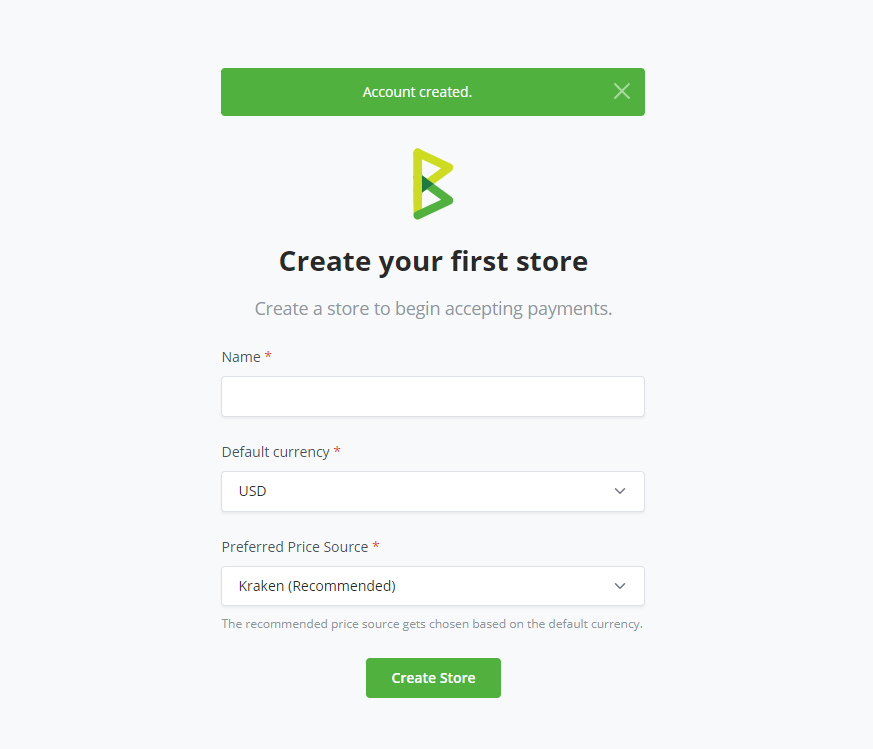
When you first register an account, you'll be automatically redirected to the store creation page. You'll need to:
- Enter your store name in the text field
- Select your default currency
- Choose a currency rate provider
- Click the
Createbutton
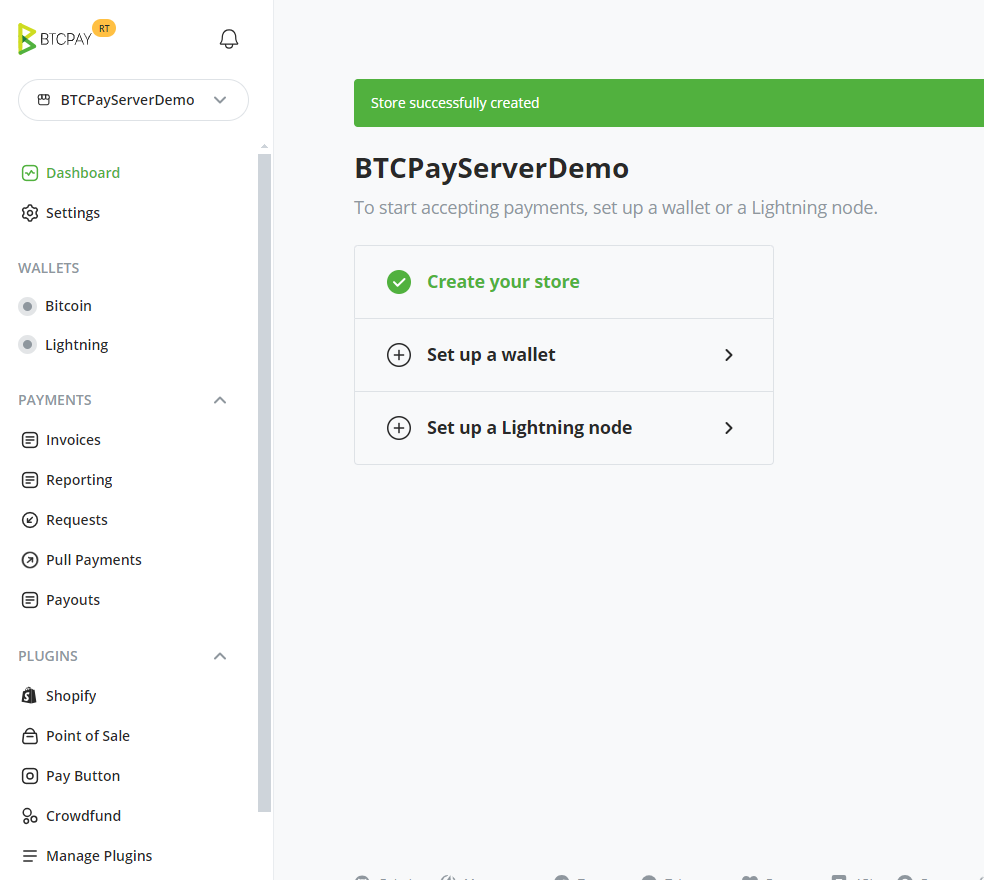
Congratulations! You have successfully created your first store.
# Creating Additional Stores
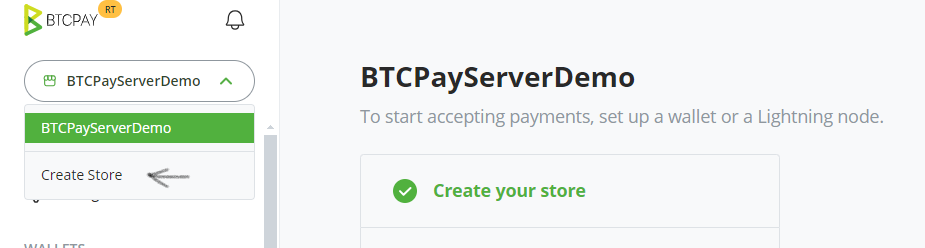
To create more stores on your instance:
- Navigate to Stores in the upper navigation menu
- Click on the Create Store button
- Enter your store name, select your default currency and its corresponding provider
- Click the
Createbutton
# Customizing your BTCPay Store Settings
Store > Settings provides basic control over the individual store settings. Modify the confirmations, invoice expiry and more. For more information, check Stores FAQ.
Proceed to the next step - Connecting a Wallet.